
VW Tiguan · MQB coding
Top 5 Hidden Features to Unlock on Your VW Tiguan (2018+)
Second-generation Tiguan (MK2) owners often leave useful software features locked. Here are five popular unlocks with OBDeleven or VCDS — and how to keep the work in your digital service history.

If you own a second-generation VW Tiguan (MK2) on the MQB platform, several convenience and display options may be disabled by region or package. See platforms and service themes on the Volkswagen Tiguan hub, or join via the VW Tiguan Owners Club landing.
You can enable many of them yourself with an OBD2 tool such as OBDeleven or VCDS (VAG-COM) — always back up coding first.
Recommended tool — OBDeleven Pro Pack
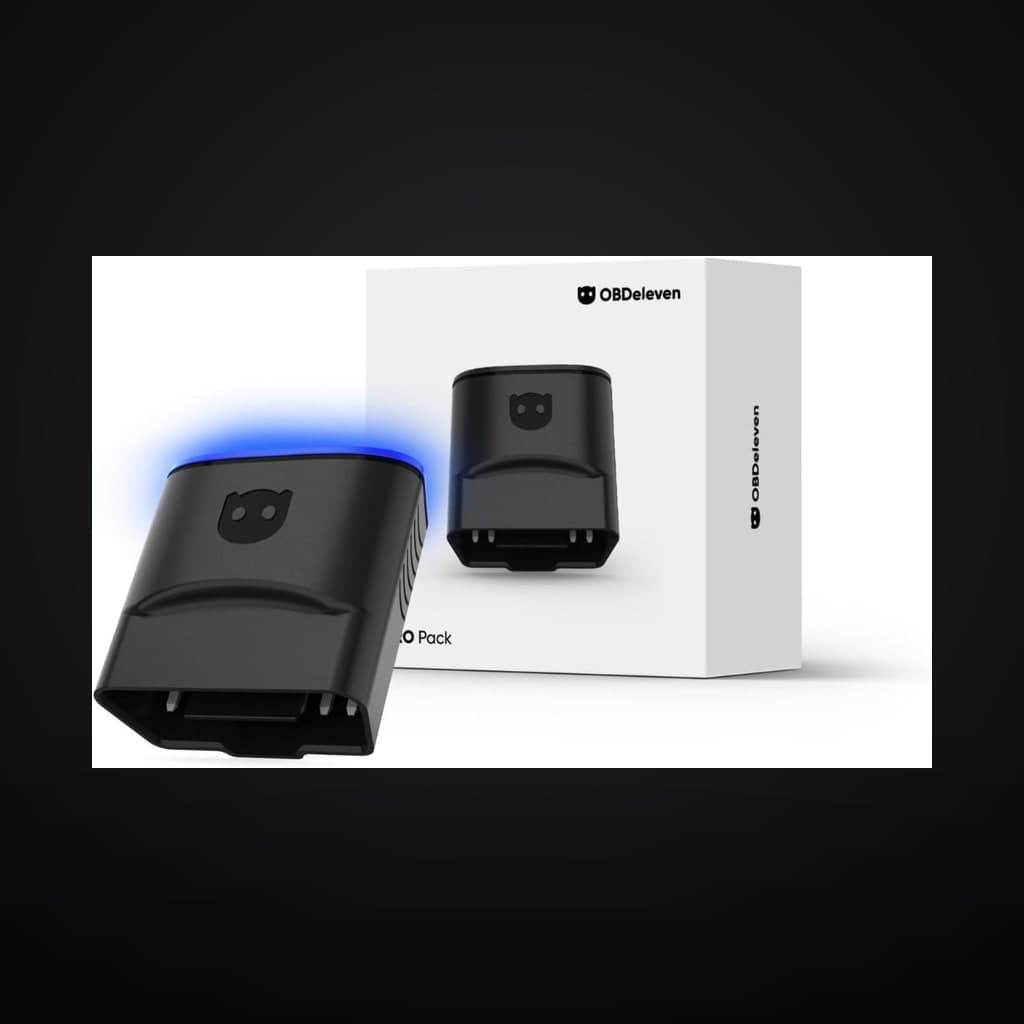
Most unlocks in this guide use OBDeleven one-click apps or manual coding on MQB VAG cars. The Pro Pack bundles the OBDeleven 3 dongle with a 12-month PRO plan and Credits — the setup many Tiguan owners choose over Ross-Tech VCDS.
View OBDeleven 3 Pro Pack on Amazon UKAs an Amazon Associate, The Owners Club earns from qualifying purchases. Using our links helps us develop new app features and create more guides to help owners avoid expensive repairs. Thank you! Always confirm vehicle compatibility before buying.
1. The “Needle Sweep” (gauge staging)
Also called staging: when you switch on ignition, the speedometer and tachometer needles sweep to the end and back. It gives the dash a sportier, Audi-like startup feel.
Why you’ll love it: A small performance flourish every time you start the commute.
Where to find it: Dashboard / Control Unit 17 (Instruments) → Coding → Staging → Active.
2. Comfort windows (open/close via key fob)
Hold unlock or lock on the key fob to open or close all windows — and often the panoramic sunroof — from outside the car.
Why you’ll love it: Ultimate convenience in heat or rain when you left a window down or want to vent the cabin first.
Where to find it: Control Unit 09 (Central Electrics) → Adaptation → Access Control → Comfort Operation via Remote.
3. Disable Auto Start/Stop permanently
Auto Start/Stop can be tedious in stop-go traffic if you must press the disable button every drive. Coding (or an OBDeleven one-click app) can keep it off by adjusting the threshold the system expects.
Why you’ll love it: Less hesitation at roundabouts and less wear from constant restarts.
Where to find it: Varies by software — OBDeleven’s one-click Start/Stop app is usually the fastest path; VCDS paths differ by module version.
Exact channels change by firmware. Confirm against your build and restore from backup if anything looks wrong.
4. Enable the Off-Road information display
On 4Motion models you can unlock an Off-Road screen showing steering angle, compass, altitude, oil temperature and related stats on the infotainment unit.
Why you’ll love it: Complements 4Motion and looks purpose-built for light trails or winter tracks.
Where to find it: Control Unit 5F (Information Control Unit) → Adaptation → Car_Function_Adaptations_Gen2.
5. Refuel quantity display
Adds a menu item on the digital dash or MFD that estimates how many litres (or gallons) are needed to fill the tank.
Why you’ll love it: Removes guesswork at the pump when you want a specific top-up amount.
Where to find it: Control Unit 17 (Instruments) → Coding → Volume to be replenished → Yes.
What you need to get started
You do not need to be a dealer tech — but you do need care and a backup.
- An OBD2 dongle: OBDeleven (Pro recommended) or a Ross-Tech VCDS cable.
- A smartphone or laptop to run the software.
- A charged battery — and on some newer cars an unlatched bonnet before coding is accepted.
Log coding work in your digital service history
After you change coding, note the date, mileage, tool used and what you enabled in a digital service history. That keeps a clear trail for the next owner alongside MOT and servicing on the Tiguan hub.
More MK2 care: How to clear Tiguan panoramic sunroof drains · Gen 5 Haldex / 4Motion service · EA888 Gen 3 reliability · B1S1 O2 / lambda top-access DIY (CZPA) · Digital cluster theme (R Line / GTI via OBDeleven).
Disclaimer
Always back up original coding before changes. Modifying vehicle software is at your own risk and may affect warranty, insurance or emissions behaviour depending on market. This guide is based on a 2018 VW Tiguan 2.0 TSI 4Motion SEL and similar MK2 cars — paths can differ by year, engine and software.
Keep it in one digital service history
Import official DVSA MOT history, log DIY and garage work, and build provenance buyers trust — free to start.